Case study · In progress · iOS app & website · 2026
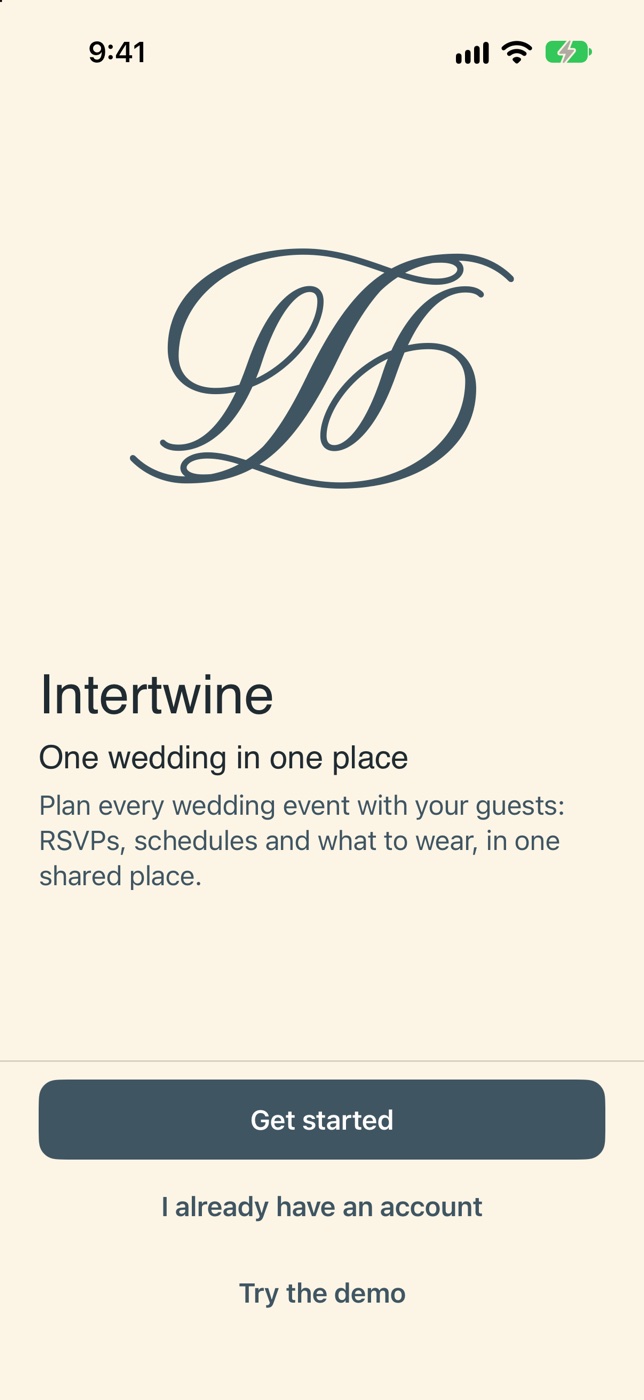
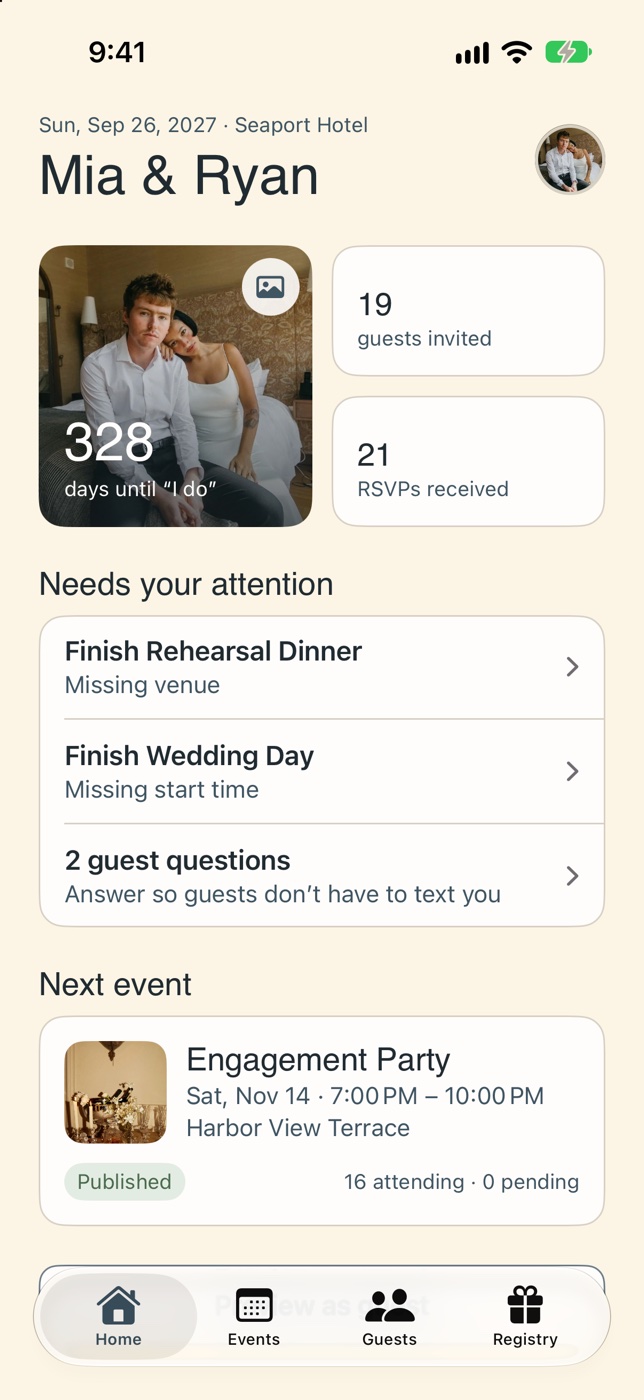
One wedding, in one place. An iPhone app where couples plan events, guests and a registry, and a website where each guest opens a personal invite link: no app or account needed.
My role
Solo: research, UX/UI, brand, and building the app and website
Status
In progress · Fall 2026
Course
Everyday Enhancements, Module 3 · MassArt
Tools
Figma, SwiftUI, HTML/CSS/JS, Supabase
The problem
Couples answer the same guest questions over and over, and guests dig through group chats for times, places and dress codes. Most wedding apps make guests download something or create an account first.
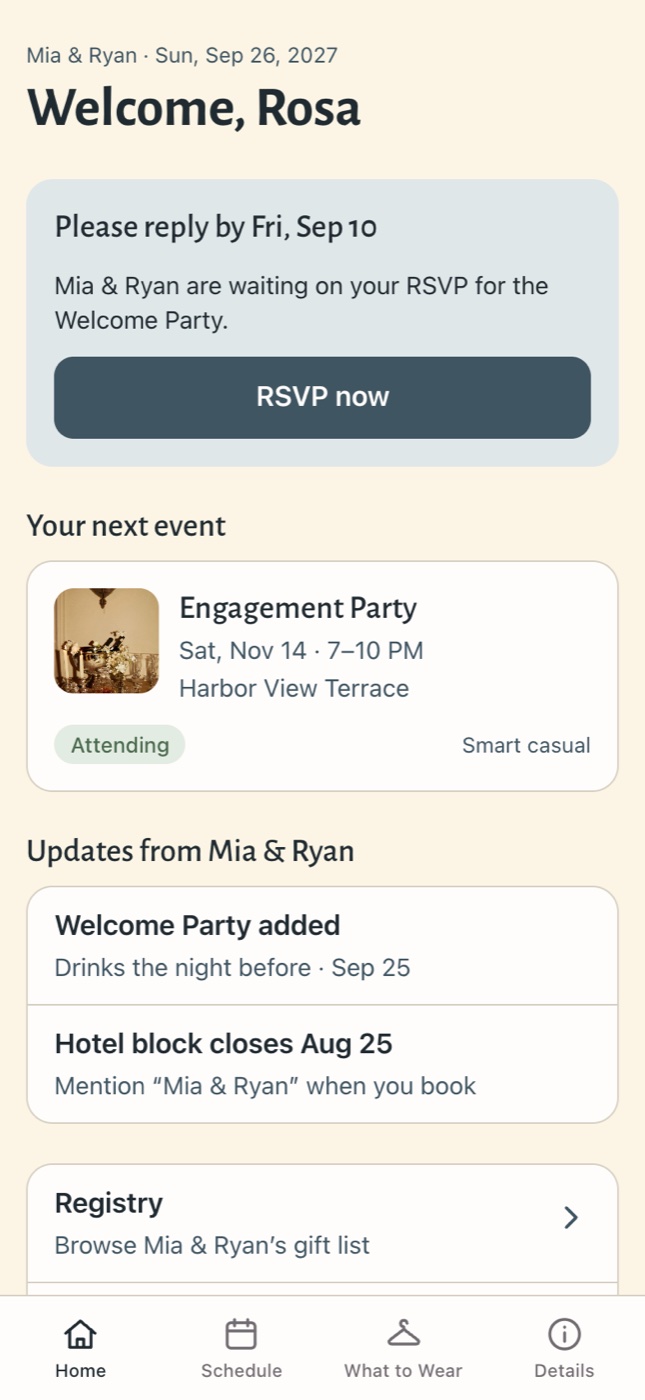
Intertwine splits the job in two: the couple gets an iPhone app to plan, and every guest gets one personal link that just works in their browser.
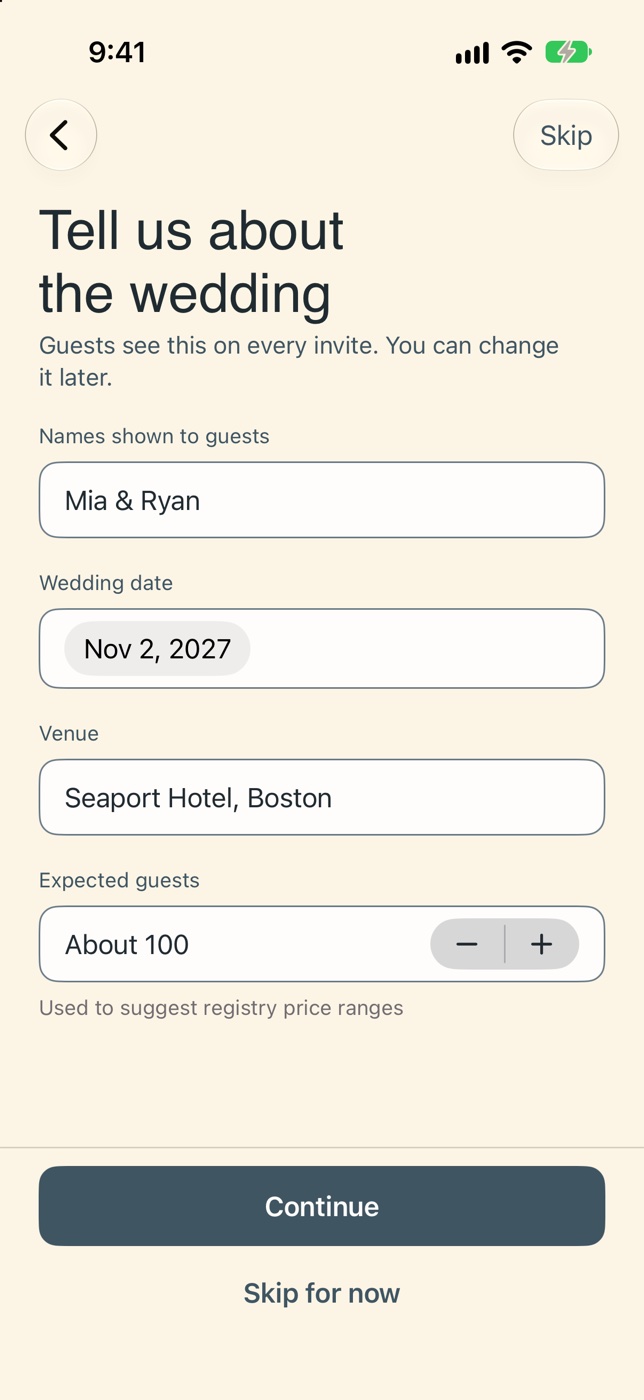
I mapped every screen for both sides: the couple setting up a wedding and the guest opening an invite. Onboarding alone became a 12-step flow, from choosing a role to publishing the first event.
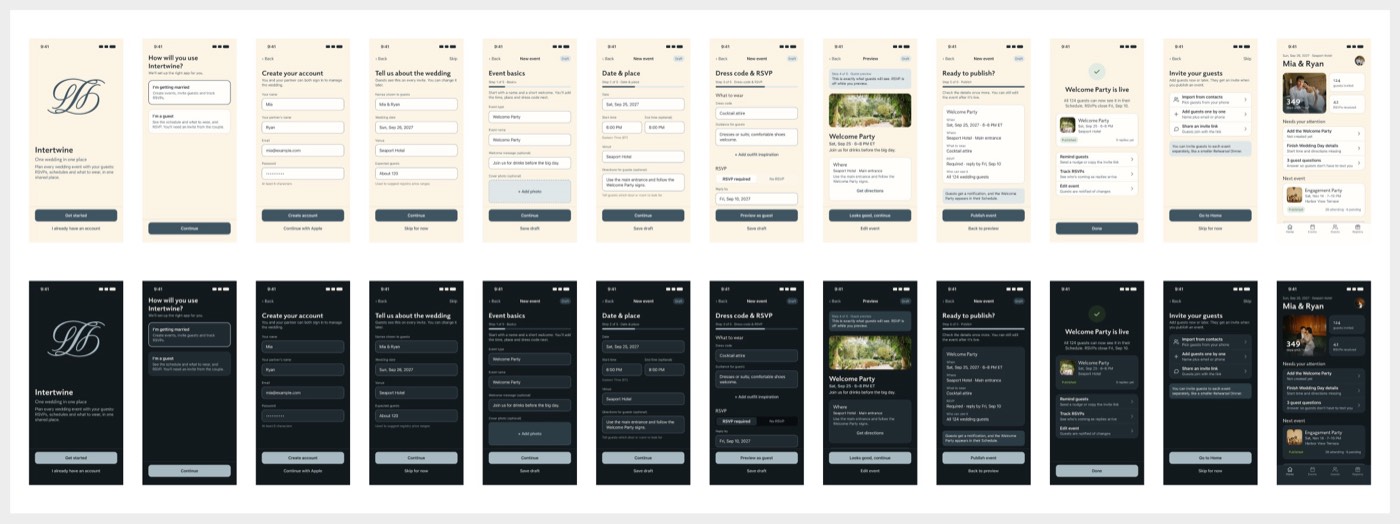
The couple’s first-time setup, in light and dark mode, from welcome to the first published event.
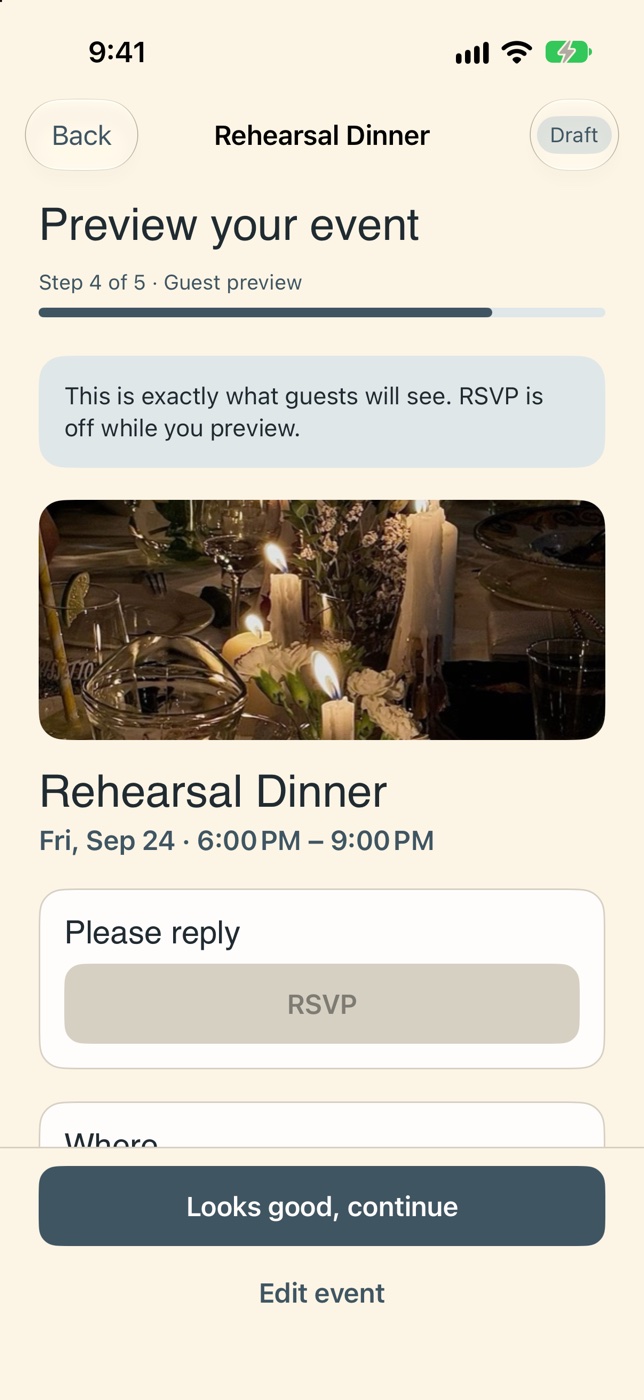
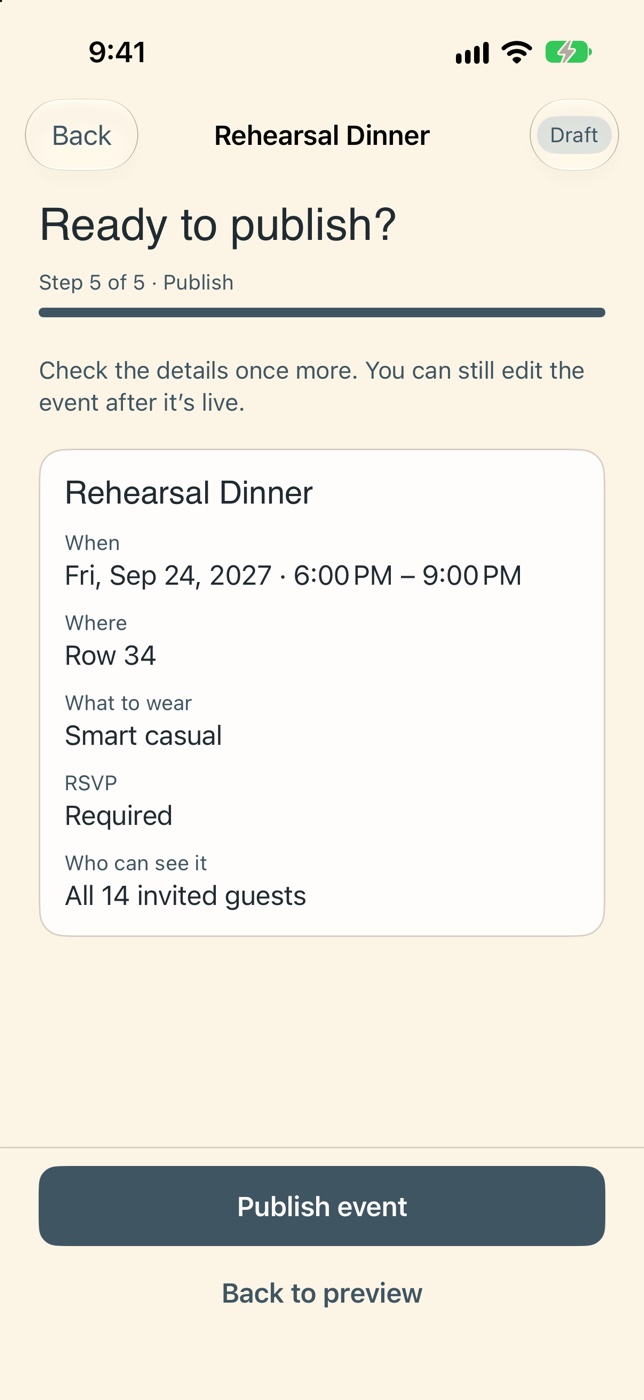
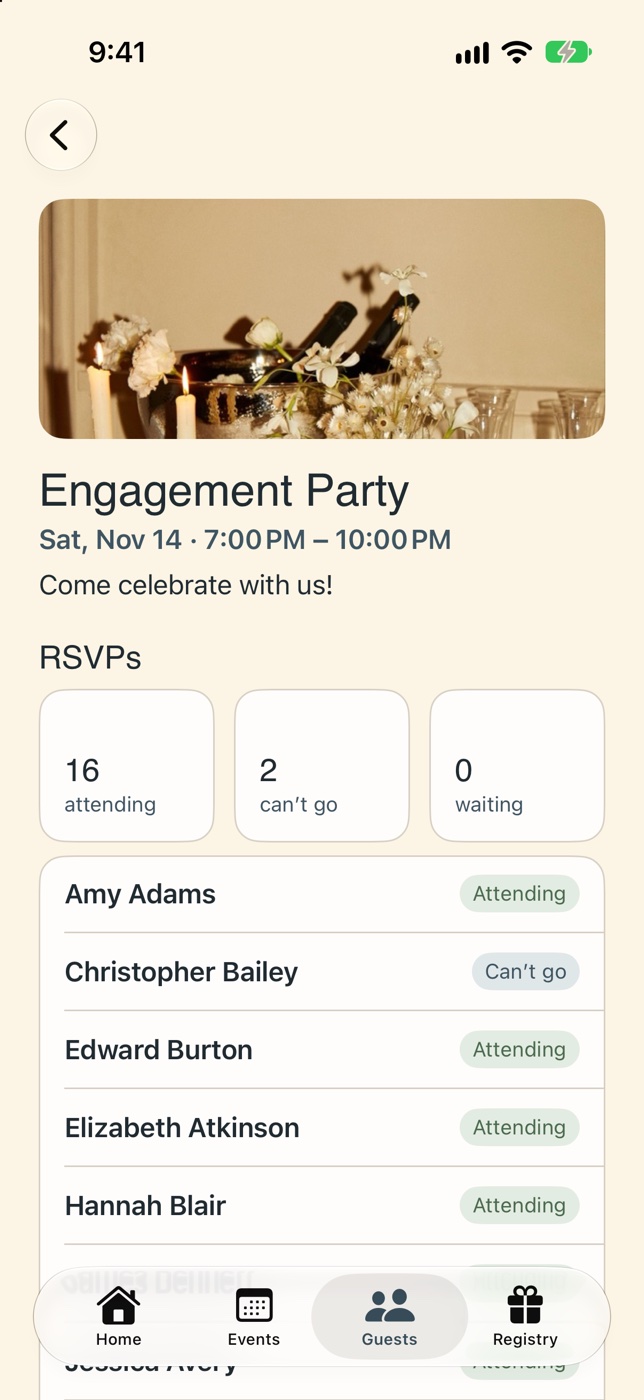
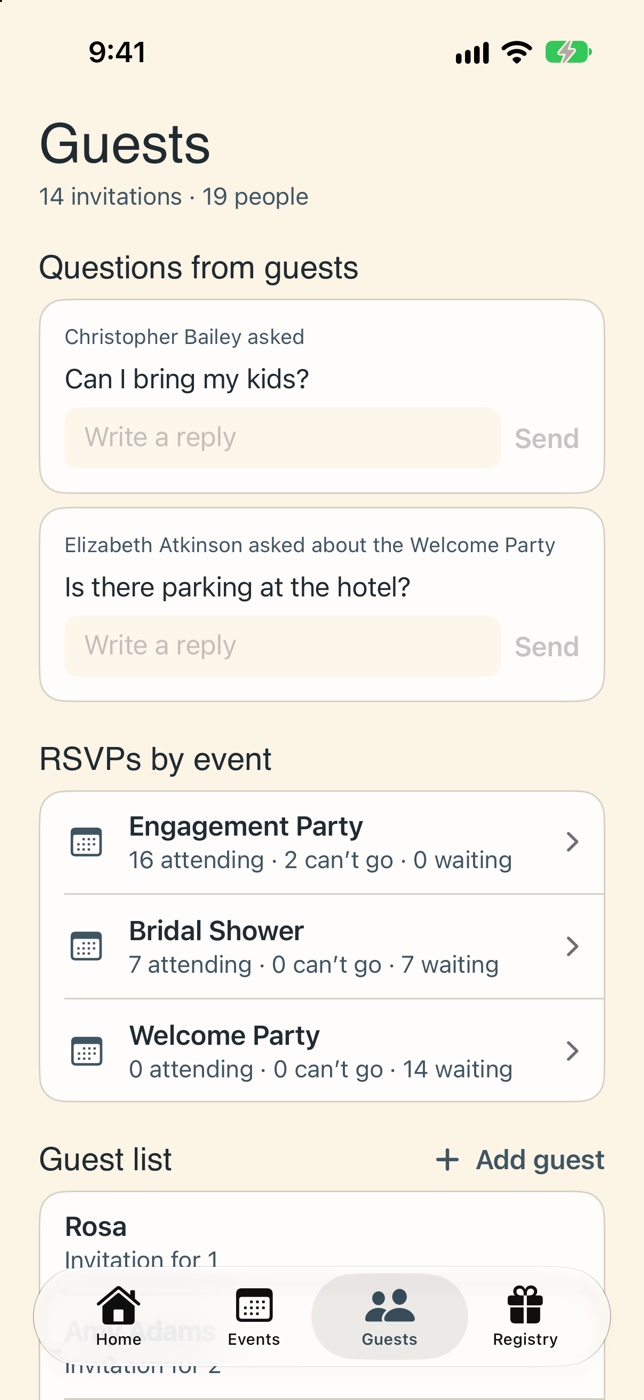
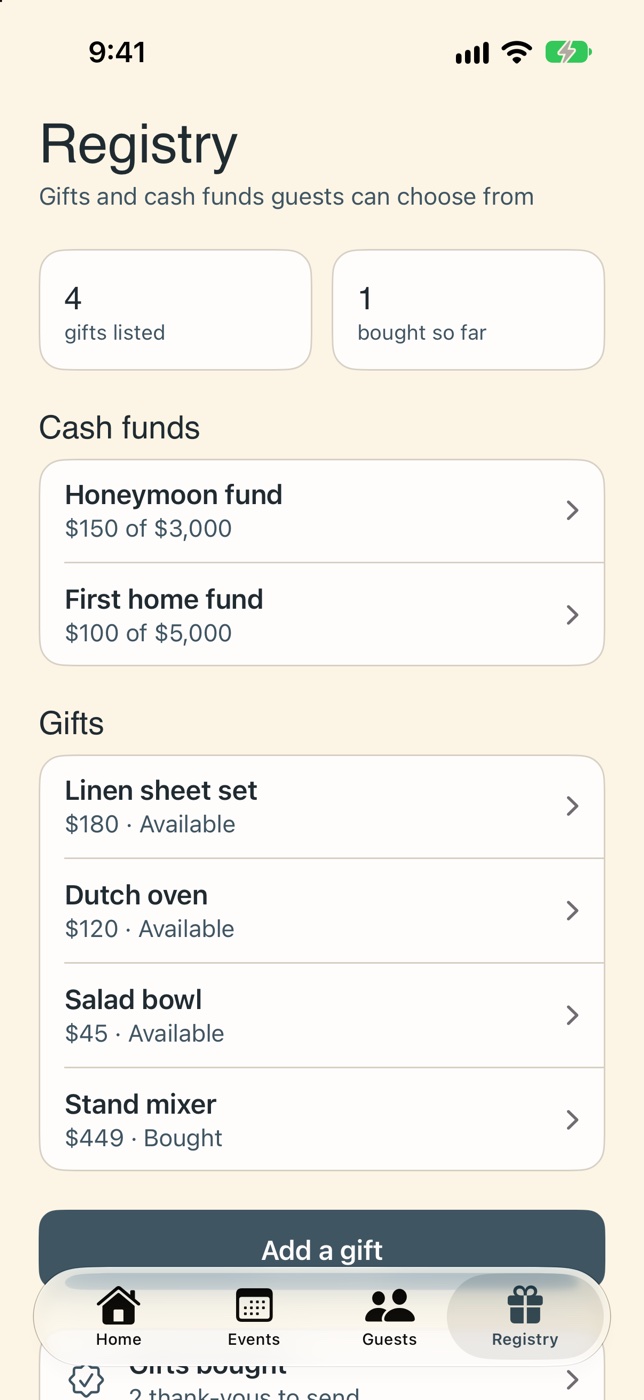
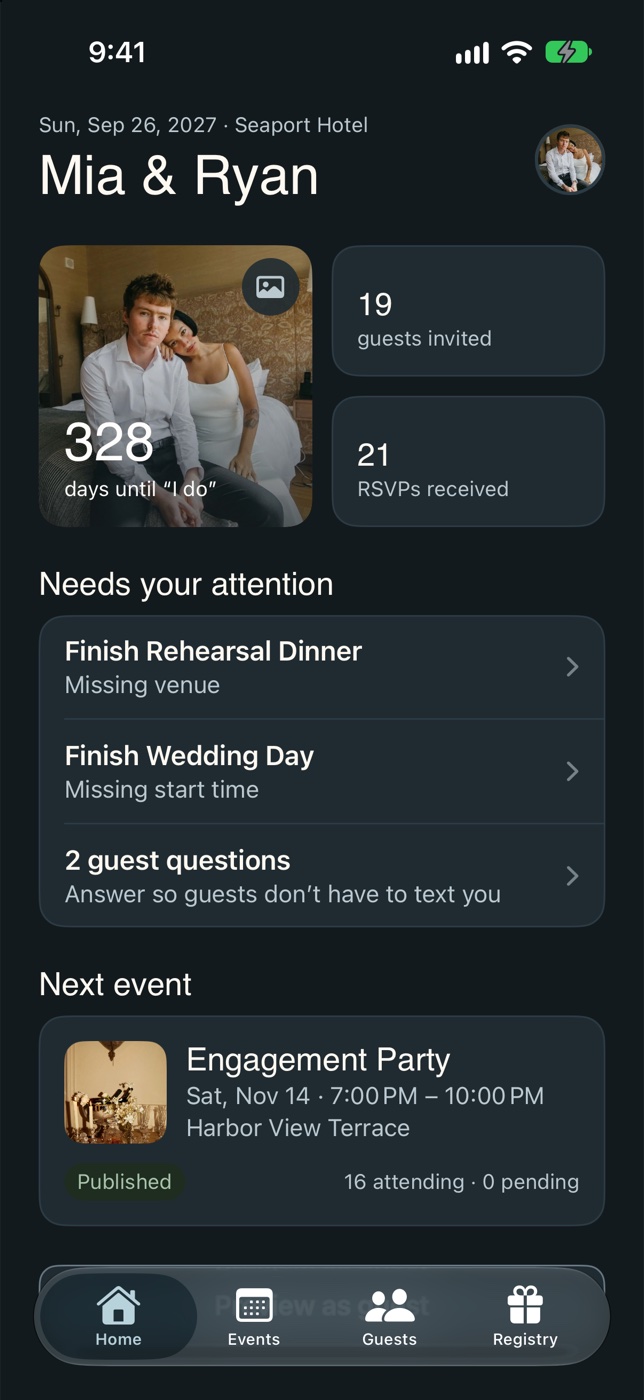
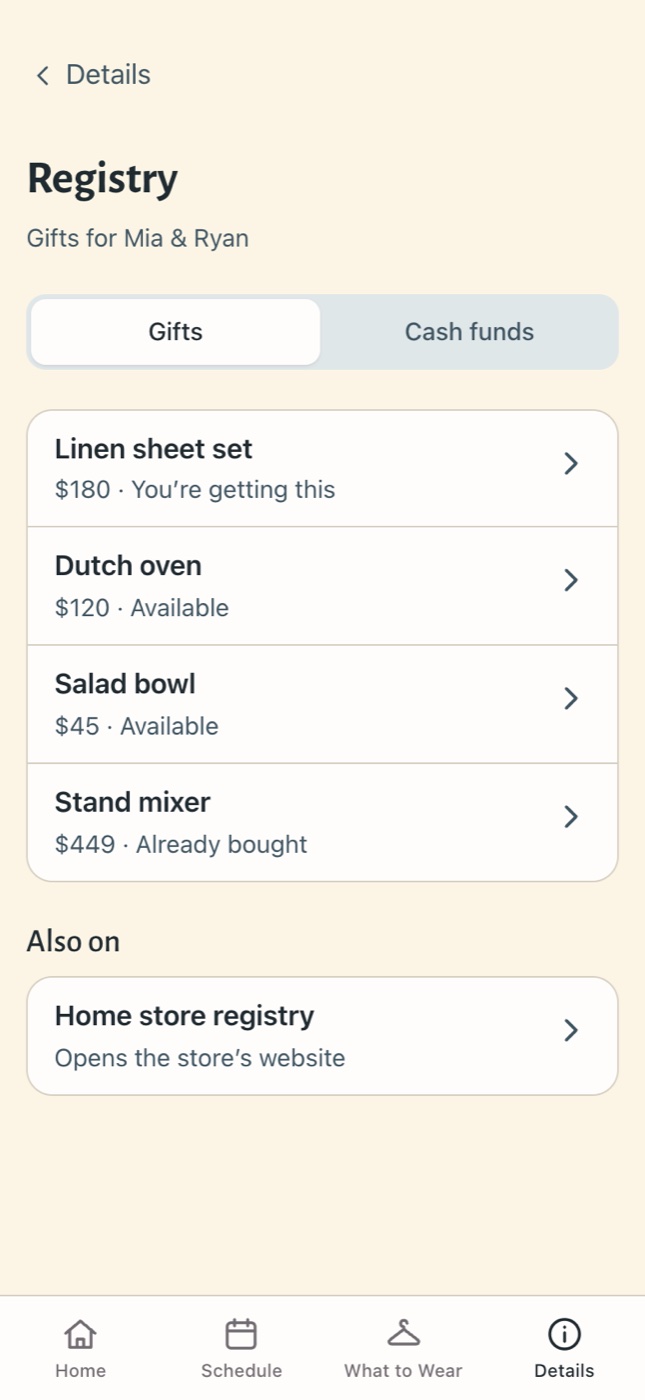
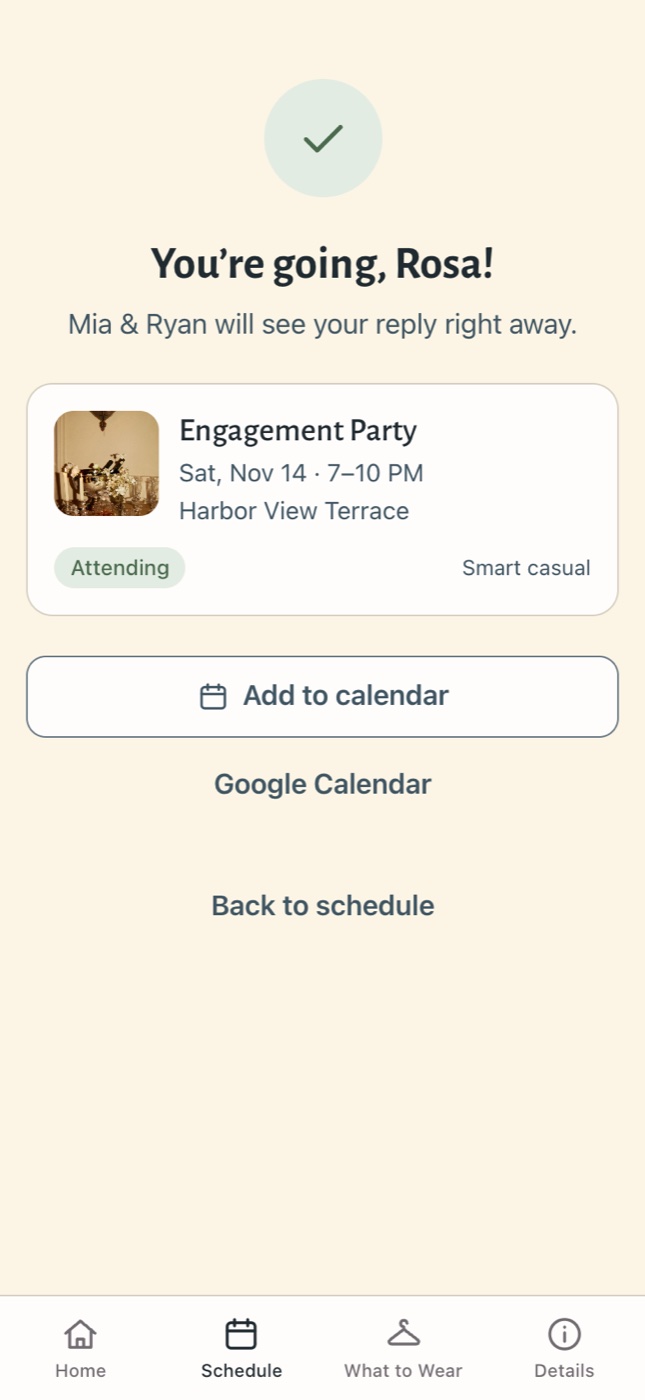
Each guest gets a personal invite link. No app, no account, no password: open it, RSVP, and find everything about the weekend.
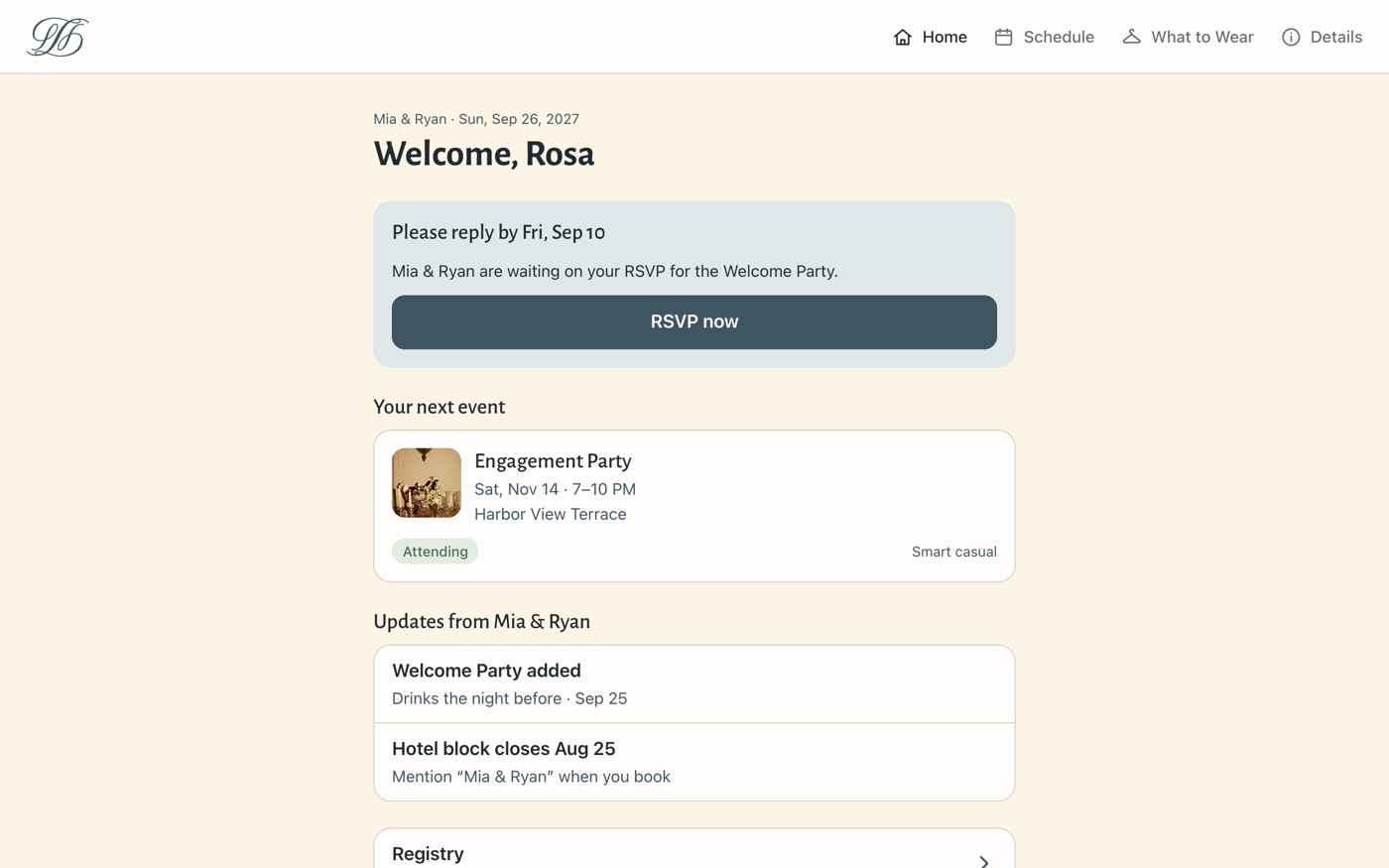
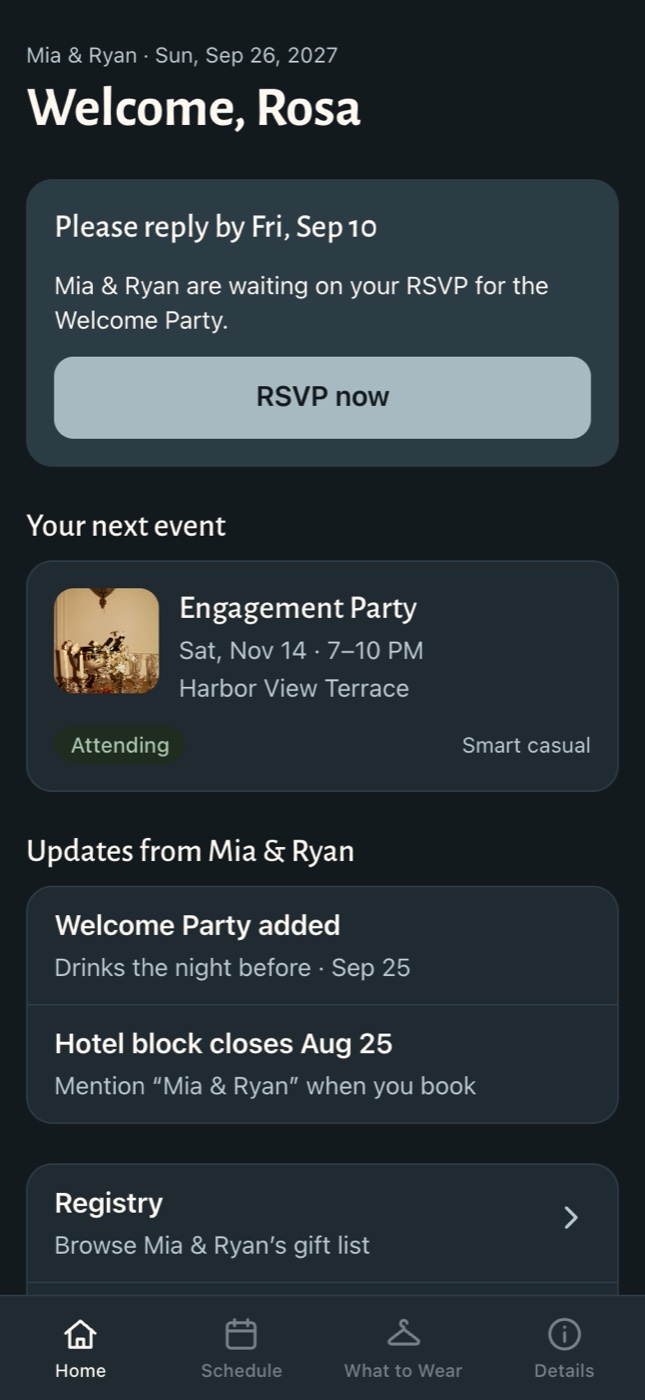
The live guest website on desktop and phone, using the demo invite.
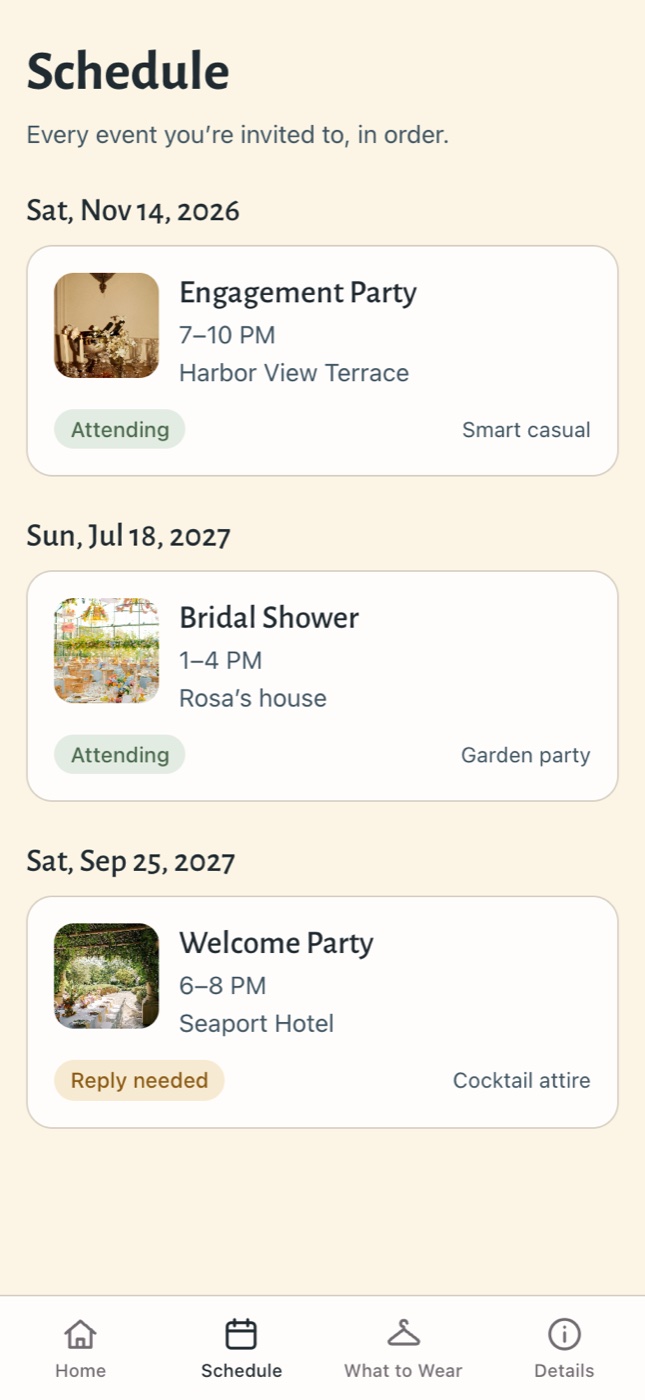
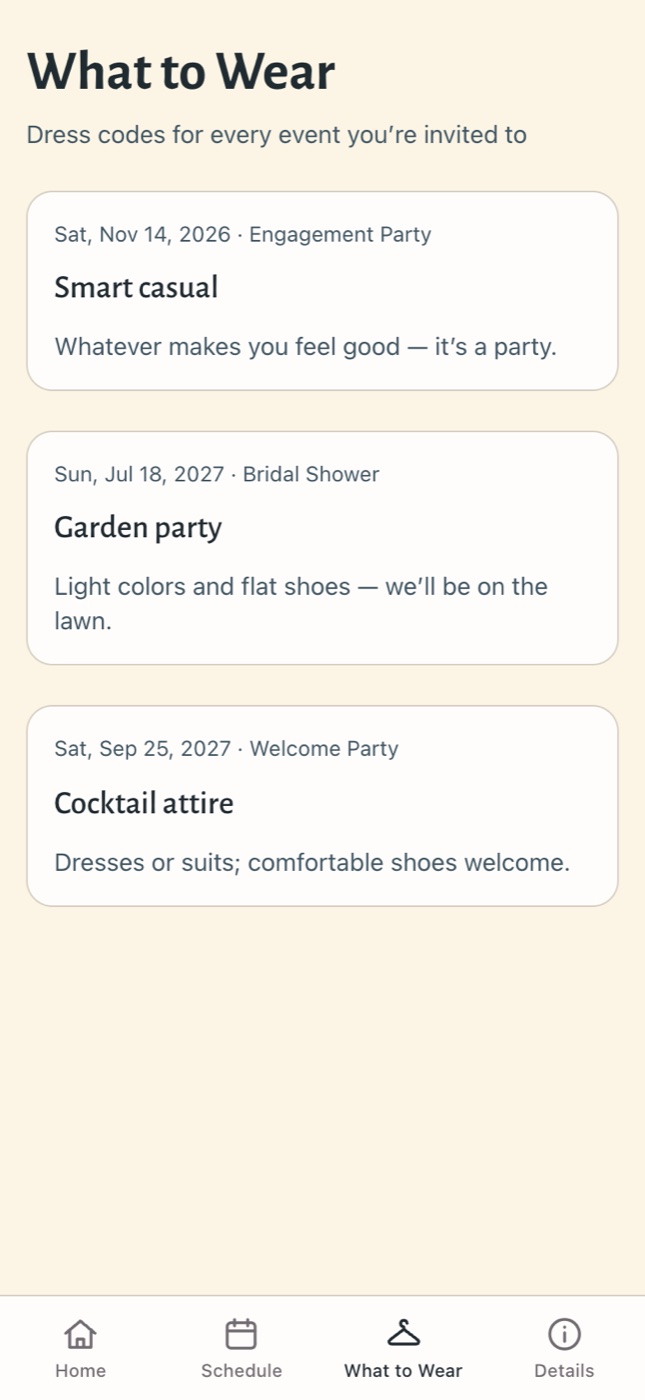
Calm, warm and trustworthy: wedding planning is stressful, so the interface stays quiet. Colors and spacing live as tokens shared by Figma, the app and the website, so all three always match.
Color
Canvas
Background
Slate
Accent and buttons
Ink
Text
Sage
Success: RSVP yes
Clay
Errors
Type
Headings
Elido
The brand heading font, warm with a touch of romance. Until it’s licensed for the app and web, the app uses the system font and the website uses Alegreya Sans as stand-ins.
Interface
SF Pro
Apple’s system font for body text and controls, so the app feels at home on iPhone.
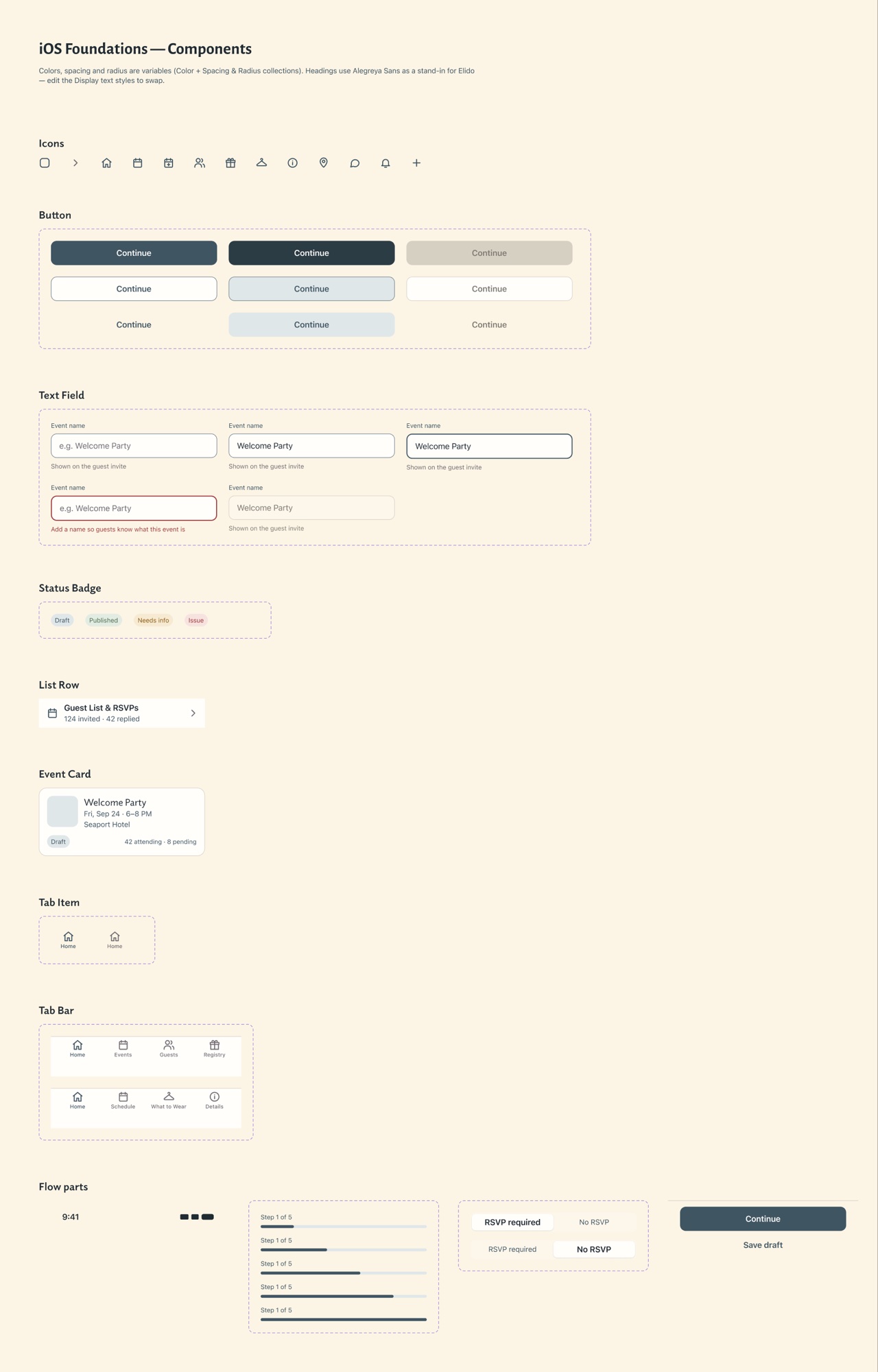
The component library: buttons, fields, badges, cards, tabs and flow parts, all built on the shared color and spacing tokens.
Process
Step 1
How couples and guests share wedding info today.
Step 2
Every screen for both the couple and the guest.
Step 3
A script monogram, warm neutrals, tokens and components.
Step 4
A SwiftUI iPhone app and a guest website, connected by Supabase.
Now
Testing with a real wedding, real invites and RSVPs, and fixing what breaks.
Where it stands
Still in progress: one wedding, in one place.
Working so far
Designing both sides at once. Seeing the couple’s screen next to the guest’s made every feature, like RSVPs and the registry, connect end to end.
What I’m learning
Building it myself changes how I design: shared tokens and components save hours and keep Figma and code in sync.
Next steps
Finish testing with a real couple, add push notifications for new RSVPs and questions, and share a test version with real users.
Next project
DreamCast →